Jekyll Press
I think 2026 is going to be the year of JAM Stack (basically static sites hosted on GitHub Pages or CloudFlare pages). There is a push for indie web and seems like many people are getting back to the early 2000s era of having personal websites not inside a walled garden.
Blogging, RSS feeds etc. is all making a comeback.
But the biggest issue with Static Site Blogs (like Jekyll) hosted on GitHub Pages is the publishing experience.
It is very frustrating experience to publish blog posts on GitHub pages using a mobile phone. There is no native app. The GitHub mobile app is more for reviewing changes and not for authoring content. Uploading images etc. is super painful.
And yet there are no apps in this space. There are some apps like Gitjournal or GitBook etc. which are more for maintaining docs and aren’t created with blogs as a specific usecase.
So I decided to create a simple app. In fact I am using that very app to write this post.
There are two main problems with GitHub pages on mobile app:
- Git is extreme bloat. .got folder contains all the history and without the history you can’t git pull or git push. For blogs with lots of images this can become too big.
- Git is complex. Branches, merge conflicts and many of the things that happen under the hood are too distracting for authoring.
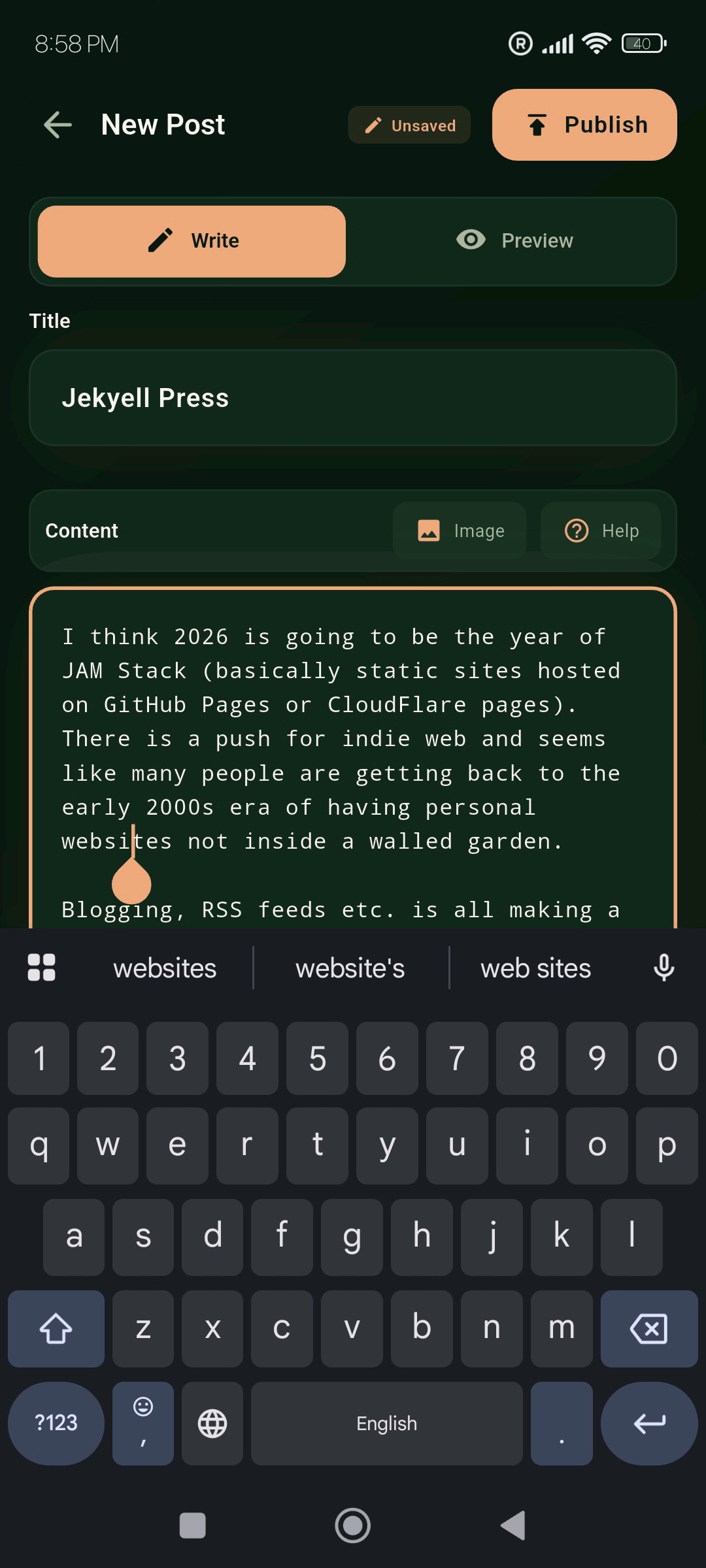
So I simplified a lot of things to make a polished working MPV. This MVP is very strict. It assumes you have a GitHub blog, it is Jekyll and not Hugo, Eleventy etc., it assumes there is a folder to store image, it assumes you know how to get your PAT, it assumes you won’t edit the same blog post on two different devices at the same time creating merge conflicts, it doesn’t allow you to edit front matter or file names, it doesn’t allow you to edit past blog post titles. It auto generates a lot of things, like file names, dates, front matter, attached image path etc.
It doesn’t use git pull and push and instead uses Github REST APIs. It uses markdown and doesn’t support all bells and whistles of markdown, just basic ones like bold, italics, underscore, heading, links and images. Which is more than enough to do most of blogging.
I used Claude Opus to vibe code this. It was surprisingly good. Overall I felt my day was pretty productive.